How much mail scanning do you actually need?
Published
You might receive 30 letters in a month and only need to open five. Or you might receive ten envelopes containing lengthy documents you need to read in full.
That is why choosing a virtual mailbox by its incoming-mail allowance alone can give you the wrong impression of what you’ll pay.
Start with the letters you want opened, then estimate the pages inside. You don’t need a perfect forecast—just a sensible starting point you can adjust once you see your actual usage.
We may earn a commission if you sign up through links in this guide.
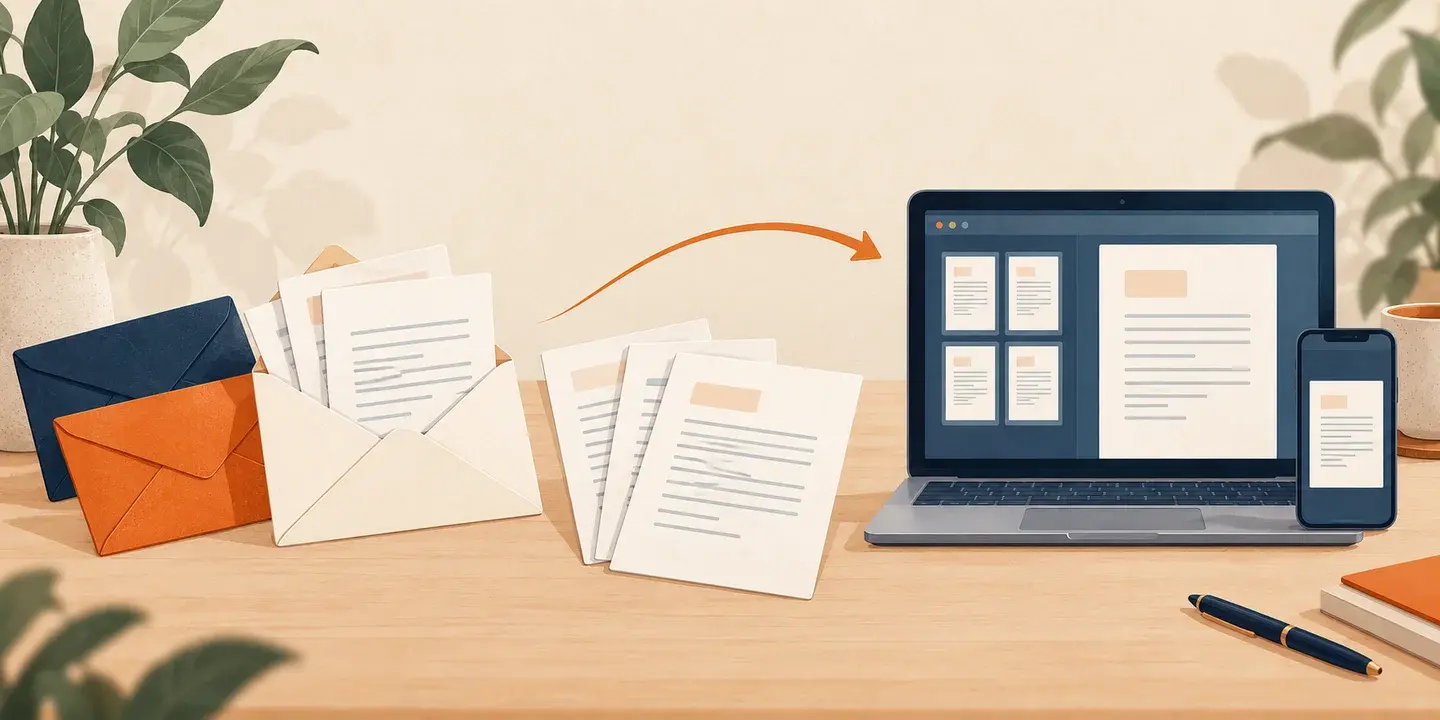
Receiving a letter and scanning its contents are different things
An incoming-mail allowance tells you how many items the service can receive within your plan. A content-scanning allowance tells you how much of that mail you can have opened and digitised.
An image of the envelope helps you identify the sender. It does not let you read the letter inside.
For example, Traveling Mailbox says envelope images do not count towards its included content-page allowance. Requested content scans use that separate allowance.
When comparing plans, look for three separate figures:
| Figure | What you’re estimating |
|---|---|
| Letters received | All incoming letters counted by the plan. |
| Letters opened and scanned | The envelopes whose contents you want to read online. |
| Pages per scanned letter | The average length of those contents. |
A simple way to estimate your scanning
Use this calculation:
Letters you want scanned × average pages per letter = estimated scanned pages
For example:
10 letters × 3 pages = 30 scanned pages per month
Count the whole document you expect the provider to scan, rather than only the page you intend to read. A six-page letter may use more allowance than its one-page summary suggests.
Check how the provider counts double-sided sheets, blank pages and inserts if those could materially affect your usage. Don’t assume every service uses the same rules.
Three examples to help you choose a starting point
These are illustrative scenarios, not measured averages or the calculator’s preset values.
| Example | Letters received | Letters scanned | Average pages | Estimated scan pages |
|---|---|---|---|---|
| Occasional reader | 15 | 4 | 2 | 8 |
| Regular personal mail | 30 | 10 | 3 | 30 |
| Document-heavy month | 40 | 15 | 5 | 75 |
The first person mainly wants to see what has arrived and opens selected letters. The second regularly reads correspondence online. The third needs longer documents scanned.
Choose the example closest to your circumstances, then change the numbers. A couple sharing a mailbox should estimate their combined mail.
Try your estimate in the mailbox cost calculator.
Page allowances and scan requests are not interchangeable
A plan offering “ten scans” may mean ten requests, ten documents or ten pages. Read the definition before comparing it with another service.
With a page allowance, document length matters directly. With per-request pricing, several short letters can cost more than one longer document containing the same total pages.
For example, iPostal1 lists an individual content-scan order as one envelope, costing $2.25 for up to ten pages, then $0.25 per additional page. Under that individual-order rate:
- Ten three-page letters would cost $22.50 in scanning.
- Three ten-page letters would cost $6.75.
Both contain 30 pages. The number of envelopes changes the charge. Those figures exclude the subscription, taxes and any prepaid bundle discounts.
Some plans scan incoming contents automatically. For those, estimate the pages across the mail the service will scan, rather than only the letters you would have selected yourself.
What Traveling Mailbox includes
Traveling Mailbox’s Basic plan includes 35 scanned pages per month, while Extended includes 80. Additional content pages cost $0.50 each under its published pricing.
That makes the difference between letters and pages useful in practice. An estimate of ten three-page letters uses 30 pages, fitting within Basic’s scanning allowance. Fifteen five-page letters use 75 pages, fitting within Extended’s scanning allowance.
Those examples assess scanning only. Incoming-mail limits, recipients and the selected address also affect the suitable plan and total cost.
Traveling Mailbox is our preferred service for remote mail access. Its included page allowances are a useful feature for people who regularly read letters online.
Explore Traveling Mailbox’s plans, or compare providers using the same estimated usage in our calculator.
How useful is scanning rollover?
Rollover can help when a quiet month is followed by a busier one.
Traveling Mailbox’s detailed pricing qualification identifies Extended, Small Business and Enterprise as eligible to roll unused envelope and page allowances into the following month. We don’t assume rollover on Basic.
Treat it as flexibility rather than a reason to choose an allowance that is consistently too small. Check the current terms for how credits carry forward and are used.
Our calculator does not assume you have accumulated unused credits. That gives a more useful starting estimate for someone opening a new account.
You probably don’t need every letter scanned
Use envelope previews to decide what needs attention. Some correspondence may already be available through a sender’s online account, while other letters need opening promptly.
You can also reduce paper mail by choosing electronic correspondence where appropriate.
Keep unfamiliar or potentially important senders in mind. Saving a scan charge is not worthwhile if it means overlooking a deadline.
Adjust after your first few months
Compare your estimate with actual incoming letters, scan requests and pages. Look for a pattern rather than reacting to one unusually busy month.
You may discover that you need fewer scans than expected. Alternatively, regularly buying extra scans may make another plan better value.
Before changing plans, compare the total estimated cost, including the subscription and any applicable receiving or recipient charges.
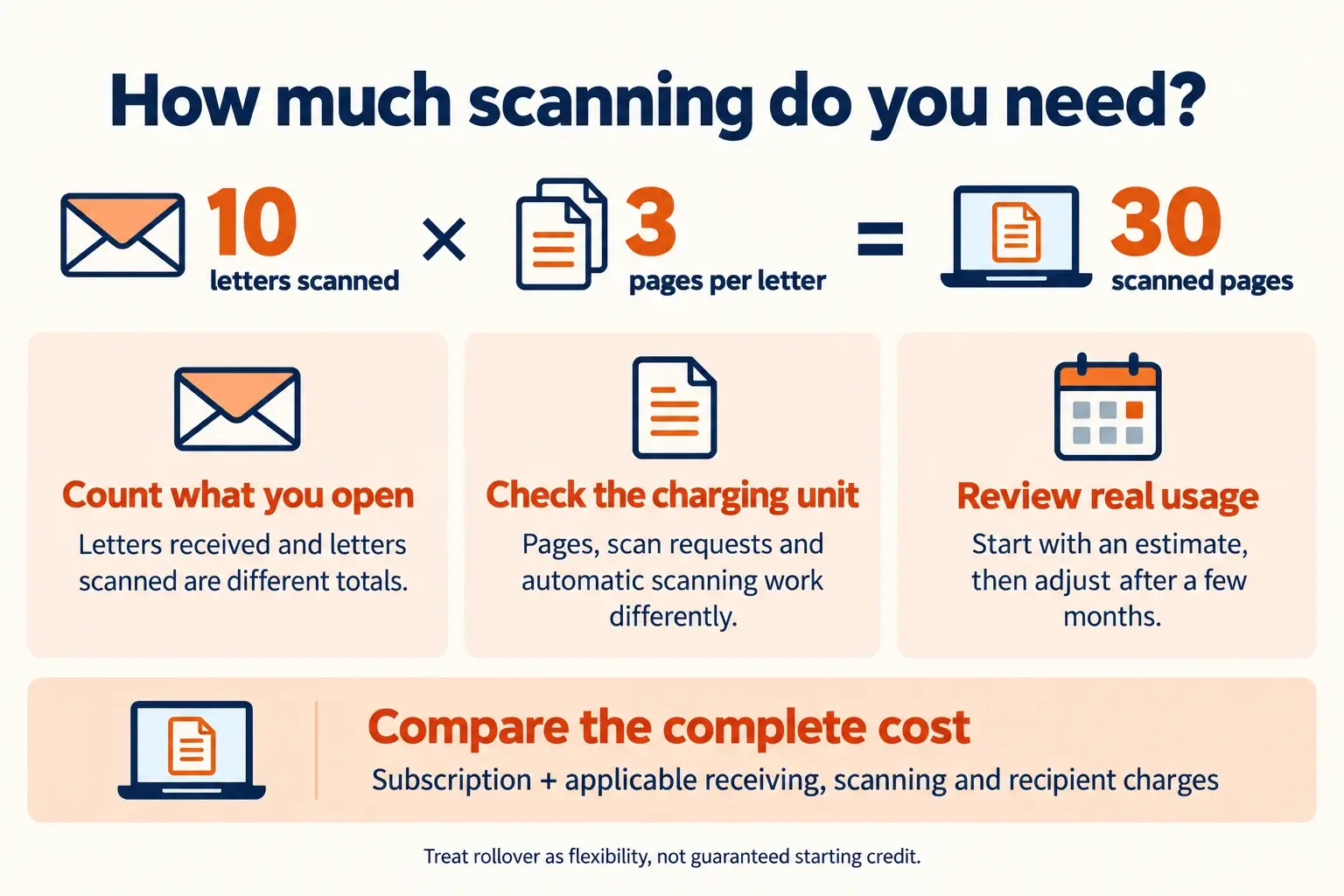
Your scanning checklist
- Estimate all letters received.
- Decide how many you’ll want opened.
- Estimate their average page count.
- Check whether the provider charges by page, request or automatic scanning.
- Treat rollover as an additional benefit, not guaranteed starting credit.
- Review actual usage once you’ve used the service.
Compare estimated mailbox costs, or read how virtual mailbox pricing works.